















The Truth About Minecraft PE X-Ray: How It Works, How to Get It, and When Not to Use It
Remember that feeling when you spent an hour strip-mining at Y-level -58, only to come up with two diamonds and a whole lot of disappointment? Yeah, we’ve all been there.
That’s why every Minecraft Pocket Edition player—at some point—starts Googling “how to get X-Ray on MCPE.” It’s practically a rite of passage.
But here’s the thing: most blogs either treat X-Ray like some dark magic or they just throw a download link at you and call it a day. So let’s actually talk about what this thing is, how it works on mobile (which is very different from Java Edition), and—most importantly—how to not get yourself banned five minutes into a server.
Wait, What Even Is X-Ray on Bedrock?
If you’ve only ever seen X-Ray mods on PC Java Edition, you might be picturing some complex code injection or a third-party mod that rewrites the game. On Minecraft Bedrock Edition (which is what Pocket Edition runs on), X-Ray is almost always a texture pack—not a mod .
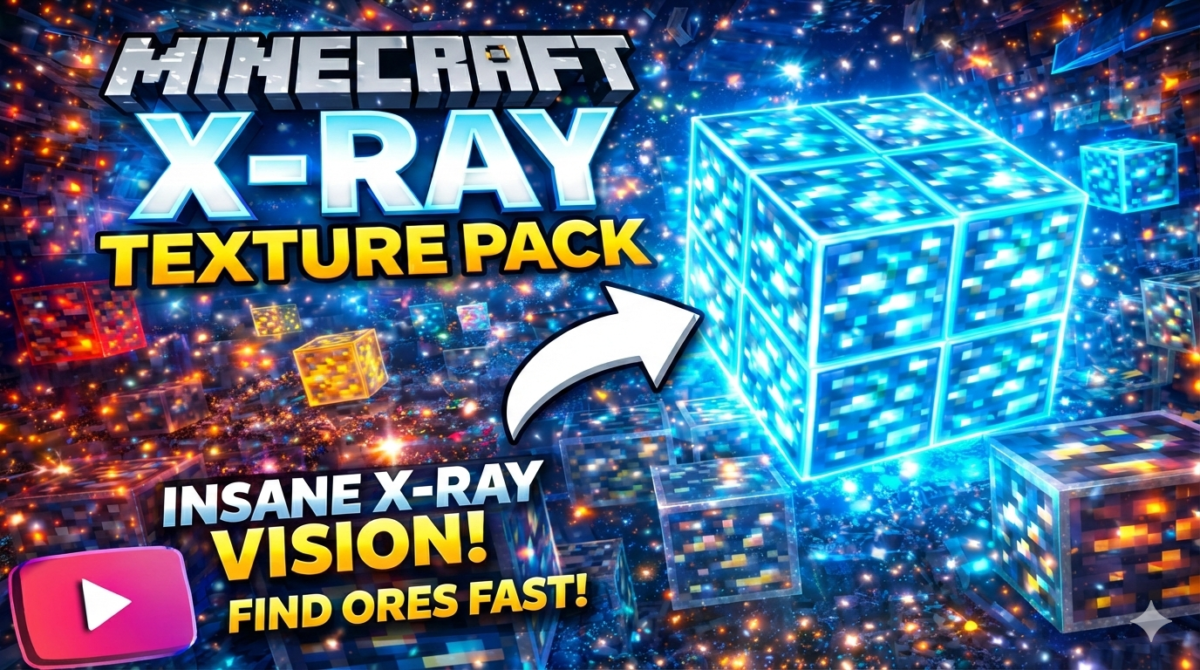
Here’s how it works: the pack changes the textures of common blocks like stone, deepslate, dirt, and gravel to be completely transparent. But ores? They stay solid, often with bright, glowing textures that are impossible to miss . You’re not actually “seeing through” walls in the hacking sense. You’re just making the walls invisible.
Think of it less like Superman’s laser vision and more like walking through a museum where everything is behind glass except the diamonds, which are sitting out in the open with a spotlight on them.
Most modern X-Ray packs for MCPE also bundle in a built-in Night Vision effect. This is crucial, because if everything except ores is black, you haven’t really solved your visibility problem .
The Catch You Don’t See Coming
Here’s the part that doesn’t make it into those “ONE CLICK DOWNLOAD!!!” YouTube titles.
X-Ray packs on Bedrock are clumsy.
Unlike Java Edition, where you can toggle X-Ray on and off with a keybind, Bedrock forces you to exit your world and deactivate the resource pack from the settings menu to go back to normal. One Google Play reviewer put it perfectly: “I hate how you have to keep exiting your world to change the xray. I wish there was an in-game command.” .
Yeah. We all wish that.
Also, if you’re playing on 1.17 or later, deepslate becomes a problem. Deepslate is technically a different block from regular stone, and not all X-Ray packs bother to make it transparent. One frustrated user noted, “It does indeed xray through the stones but it did not xray through the deepslate” . So if you’re mining in the negative Y-levels, you might find yourself blind in certain areas.
How to Actually Install X-Ray on MCPE (The Safe Way)
Let’s cut through the fluff. You don’t need to root your phone, you don’t need BlockLauncher (RIP), and you definitely don’t need to pay anyone $85 for a “subscription”—yes, some apps actually try that .
Step 1: Close Minecraft completely.
This is boring but important. If the game is open, file imports get funky .
Step 2: Find a reliable source.
Look for “Better X-Ray Minecraft Bedrock” on trusted sites. Avoid the sketchy forums with pop-up ads that promise “FREE DIAMONDS!!!” .
Step 3: Download the .mcpack file.
This is the standard Bedrock add-on format. If it downloads as a .zip, don’t unzip it—just rename the extension to .mcpack .
Step 4: Open the file.
On Android, tap it. On iPhone, tap the share button and select “Open in Minecraft.” The game will launch and confirm the import.
Step 5: Activate the pack.
Go to any world, hit Settings → Resource Packs → Activate the X-Ray pack. You’ll find it under “Available” .
Step 6: Disable Smooth Lighting.
This is non-negotiable. If you leave Smooth Lighting on, your “transparent” stone will still look shadowed and messy. Turn it off in Video Settings .
Step 7: Drink a Night Vision potion (or use the pack that has it baked in).
Without Night Vision, you’re just staring at black voids with floating ore blocks. Not useful .
The Ethics Question Nobody Wants to Answer
Let’s be real: X-Ray is cheating.
I’m not here to wag a finger at you. I’ve used it. You’ve probably used it. But let’s call it what it is.
The problem isn’t Mojang—they don’t ban people for using resource packs in single-player. The problem is servers. Most public servers have anti-X-Ray plugins that detect abnormal mining patterns. If you beeline through solid stone straight to a vein of ancient debris that’s 12 blocks away from any cave system, the server knows .
And here’s something a lot of mobile players don’t realize: even if the server doesn’t detect the pack, other players can tell. When you’re running around with invisible stone and bright pink diamond blocks, you look incredibly suspicious.
One server admin on a forum put it bluntly: “We don’t ban for the texture pack. We ban for the obvious drilling to coordinates.”
The “No Achievements” Loophole (Yes, It Exists)
Here’s a little-known trick that actually works on Bedrock: some X-Ray packs do not disable achievements.
This is rare, and it depends entirely on how the pack is structured. If the pack only modifies textures (and doesn’t touch behavior files or runtime JSON), Bedrock treats it like any other resource pack. No red “X” on your world. No “Achievements cannot be earned” warning .
Does this mean you should go achievement-hunting with X-Ray active? I mean… you can. Whether you should is between you and your conscience.
What If You Don’t Want to Cheat—But Still Want an Advantage?
If you’re feeling guilty (or just don’t want to risk a ban), there are legitimate ways to “see” ores without actually using X-Ray.
Seed mapping is the big one. Sites like ChunkBase let you upload your world seed and view an overhead map of every single ore vein, dungeon, and buried treasure . It’s not in-game vision, but it’s essentially the same information—you just look at it on your phone browser while you play.
Some players also use cave sound detectors or mods like “CaveScanner” that use auditory cues to reveal open spaces behind walls. It’s technically allowed on most servers because it doesn’t modify the game’s rendering .
So… Should You Use X-Ray?
Honestly? Use it in single-player. Skip it on servers.
In your own world, X-Ray saves you hours of mindless digging. You’re not hurting anyone, and if it makes the game more fun for you, go for it. Mining is arguably the most tedious part of Minecraft, and we’ve all got limited gaming time.
But on servers? It’s not worth the ban. And frankly, it’s not that fun. Half the excitement of multiplayer is the unpredictability—the panic when you break into a ravine, the satisfaction of finding ore through legitimate exploration. X-Ray kills all of that.
Plus, have you ever tried toggling X-Ray off and on by exiting the world and digging through menus every 30 seconds? On mobile? It’s exhausting.
Frequently Asked Questions
Q: Is X-Ray available for Minecraft PE 1.21?
A: Yes, updated X-Ray texture packs are available for version 1.21. Most packs from early 2025 support this version .
Q: Will I get banned for using X-Ray on servers?
A: Possibly. Many servers use anti-cheat plugins that detect X-Ray behavior. Even if the plugin doesn’t catch you, staff can review your mining patterns .
Q: Does X-Ray work in the Nether?
A: Yes, but you’ll need a pack that specifically makes netherrack transparent. Not all packs include this .
Q: Why is everything black when I turn on X-Ray?
A: You need Night Vision. Some packs include it automatically; others require you to drink a potion .
Q: Can I use X-Ray on iPhone?
A: Yes. Download the .mcpack file, tap Share, and select Minecraft. The import process works the same as Android .
Q: Does X-Ray disable achievements?
A: Most X-Ray packs do not disable achievements because they are resource packs, not behavior packs. However, always check your world settings for the red “X” before committing .
Q: How do I remove X-Ray?
A: Go to Settings → Resource Packs in your world, and deactivate the pack. To delete it entirely, remove it from the “My Packs” section in the main menu .
Q: Are X-Ray apps on the Play Store safe?
A: Some are safe; others are adware or subscription traps. Read recent reviews carefully. Apps that require payment for basic X-Ray functionality are usually not worth it .
Q: Why doesn’t X-Ray work through deepslate?
A: Deepslate is a separate block ID from stone, and many X-Ray packs only modify the stone texture. You need a pack updated for the Caves & Cliffs update that explicitly includes deepslate .
Q: Is there a toggle for X-Ray on Bedrock?
A: No. Unlike Java Edition, Bedrock does not support toggling resource packs in-game. You must exit the world to change packs .
Complete Steps to download the file.
1) Go to the Image you see and a random Website will open.
2) Copy the URL and paste it below.
3) Click "Send" to receive the Download Link.